Guardian configuration
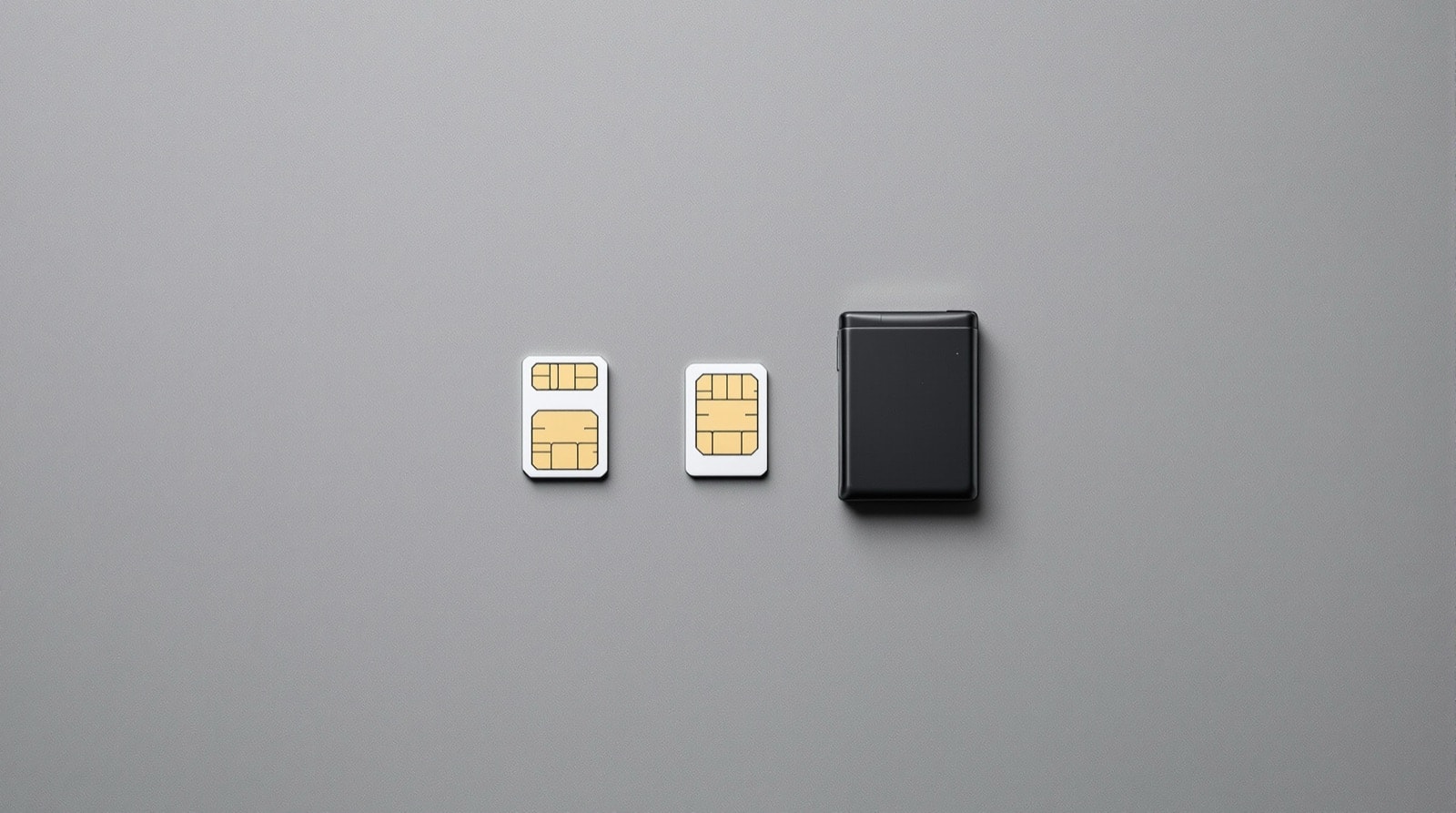
Setting Guardian up took four steps, done on the handset itself with the authorised SIM in place.
Project notice. Symbian Toys was an independent hobbyist software project for the Symbian Series 60 platform, which Nokia discontinued in 2013. These pages contain the project's documentation. The software is no longer distributed here, and no support was ever offered for it. Device and platform names appear for identification only; the project was never affiliated with, endorsed by or connected to any device manufacturer.
Step 1 — password
Set a password of five to eight characters. This password was used both to gain access to the software on the handset and to authorise the SMS commands documented in the plugin reference. It was the single credential the whole system rested on, which is why the recovery procedure described in the FAQ existed at all.
Step 2 — notification recipient
Select the recipient number from the phone book. This number received the "SIM changed" notification if the handset was ever started with an unrecognised card.
The practical advice implicit in the design is that the recipient should be a number reachable from somewhere other than the phone being protected — a second handset, or someone else's. A notification delivered to a device sitting in the same stolen bag is no notification at all.
Step 3 — notification text
Set the text for the "SIM changed" notification. Guardian appended its own information — the new number, the GSM cell, the country and the network — so the user-set text served to identify which handset the alert had come from.
Step 4 — enable
Enable Guardian. Until this step was taken the software did nothing, and it did not ask for the password on launch either; that behaviour is documented in the FAQ as normal rather than as a fault, because it confused a number of users.
MultiSim — the authorised list
MultiSim allowed up to ten SIM cards to be held on the authorised white list, which mattered to anyone who swapped cards routinely — a work card and a personal card, or a local card while travelling. The Rename option assigned a readable name to each card in the list.
Adding a card followed a fixed order, and the order was not optional:
- Disable Guardian.
- Change the SIM.
- Turn the phone on.
- Launch Guardian.
- Enable Guardian again.
The reason the sequence runs that way is that Guardian only ever evaluated the SIM at power-on. Disabling it first was what stopped the new, unrecognised card from triggering a notification to the recipient number before it could be added to the list — a step that people skipped, and then wrote in about.
Choosing a password
The five-to-eight character limit was not arbitrary. The same password had to be typed on the handset's keypad during setup and then reproduced exactly at the start of every SMS command, on a keypad, by someone who had probably just lost their phone. A long password would have been typed wrongly under exactly the circumstances it was needed, and a message with a mistyped password did nothing at all — there was no error, because there was nobody holding the phone to show an error to.
Tying the alarm to a user-chosen secret rather than to an account was normal for anti-theft systems of this period, since the handset had no network identity of its own to authenticate against. The recovery path for a forgotten password is documented in the Guardian FAQ, and it is worth reading before it is needed: it depends on the notification recipient number still being under the owner's control, which is another reason to choose that number carefully at step 2.
Testing the setup
Nothing in the original documentation described a test procedure, which is a real gap in a system whose whole value is that it works once, unattended, at the worst possible moment. The configuration itself suggests the check: with a spare unregistered card to hand, powering the phone on with that card in place should produce a notification at the recipient number within a couple of minutes, and the same card can then be added to the white list using the sequence above. Anyone relying on the software without ever having seen it fire was, in effect, relying on an untested alarm.
After configuration
Once enabled, Guardian was invisible in ordinary use: no icon in the application list, no background process, no memory footprint while the authorised card was present. It started at power-on, checked the card, and exited. The remote functions available after a SIM change are documented separately in the plugin reference, and all of them depended on the password set in step 1 and the recipient chosen in step 2.